

Organic Search vs Paid Search in GA4: What You Need to Know in 2026
If you’re comparing organic search vs paid search in GA4 in 2026, you’re not looking for legacy Universal Analytics comparisons or vague assumptions about attribution windows. You need clarity on how Google Analytics 4 actually defines, separates, and reports these two critical acquisition channels — especially as Google continues refining its modeling logic, privacy controls, and cross-device tracking under the 2026 GA4 architecture.
In this guide, we break down exactly how GA4 distinguishes organic from paid search traffic — including where the data lives, what triggers each classification, how consent mode and modeling affect reporting, and why misclassifications still happen (and how to fix them). Whether you're auditing campaign ROI, reconciling GA4 with Google Ads, or building a sustainable growth strategy, understanding this distinction is foundational.
How GA4 Defines Organic Search vs Paid Search
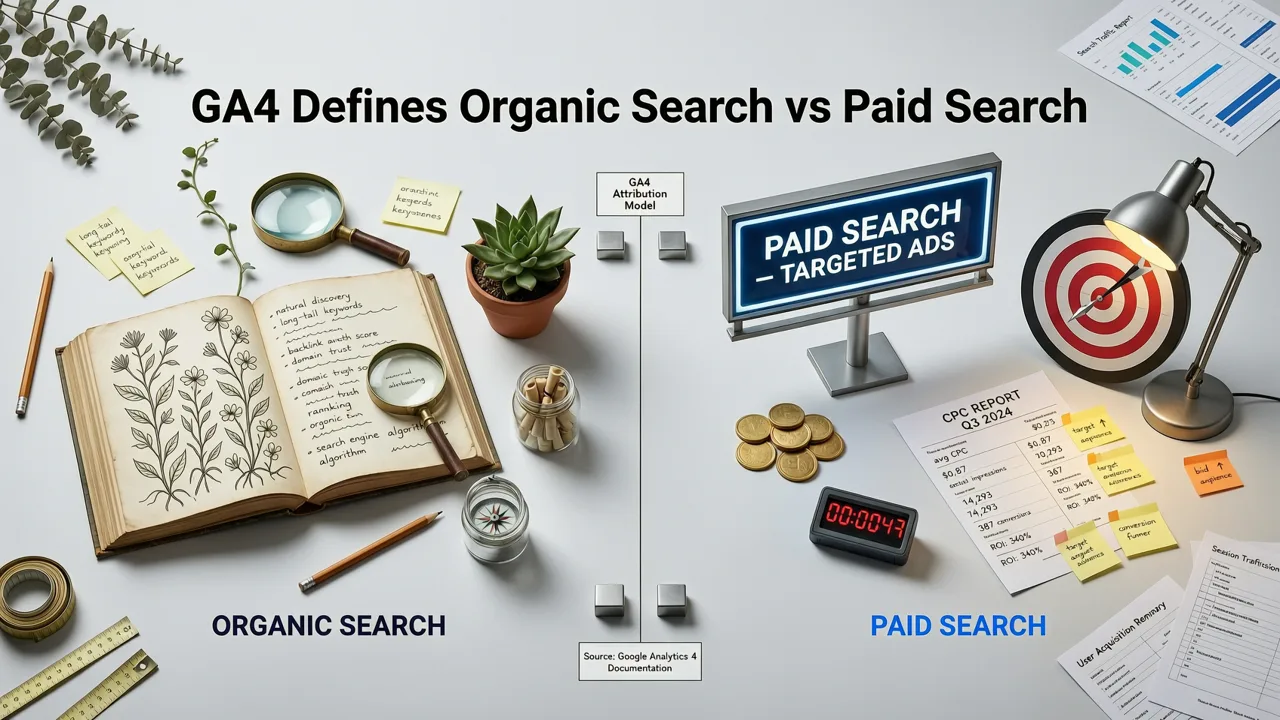
GA4 doesn’t rely on simple UTM parameters alone to classify search traffic. Instead, it uses a layered decision tree combining source/medium, campaign tags, referral patterns, and Google’s own domain mapping. Here's how it works in practice as of 2026:
Organic Search in GA4
Organic search refers to traffic arriving from unpaid listings on search engine results pages (SERPs) — primarily Google, Bing, and Yahoo — where no ad impression or click cost was incurred. In GA4, this traffic is typically assigned the session_source google, bing, or yahoo, and session_medium organic.
Crucially, GA4 excludes traffic that includes any of these signals:
- UTM parameters like
utm_campaign,utm_source=google+utm_medium=cpc, orgclidURL parameters; - Referrer domains associated with ad platforms (e.g.,
googleads.g.doubleclick.net); - Clicks originating from Google Ads, Microsoft Advertising, or other paid SERP placements — even if the landing page URL appears identical to an organic result.
Importantly, GA4 does not retroactively reclassify traffic based on downstream behavior (e.g., someone clicking an ad then returning organically later). Each session is classified at entry — and attribution follows the last non-direct, non-referral, non-organic touchpoint within the lookback window (default: 30 days).
Paid Search in GA4
Paid search traffic in GA4 is defined more narrowly than many assume. It’s not simply “any traffic from Google.” Rather, GA4 identifies paid search using:
- Google Click ID (
gclid): The definitive signal — when present in the URL, GA4 classifies the session asgoogle / cpcregardless of other tags; - Microsoft Click ID (
msclkid): Triggersbingsandbox / cpcorbing / cpcdepending on configuration; - Manual UTM tagging:
utm_source=google&utm_medium=cpc&utm_campaign=...— but only if no conflictinggclidexists; - Auto-tagging enabled in Google Ads: Required for accurate, consistent classification (and strongly recommended in 2026).
Note: As of mid-2026, GA4 no longer auto-classifies traffic from Google Shopping or Performance Max campaigns as paid search by default — those now fall under google / shopping or google / pmax unless manually mapped via custom channel groupings.
Where to Find Organic Search vs Paid Search Data in GA4 (2026)
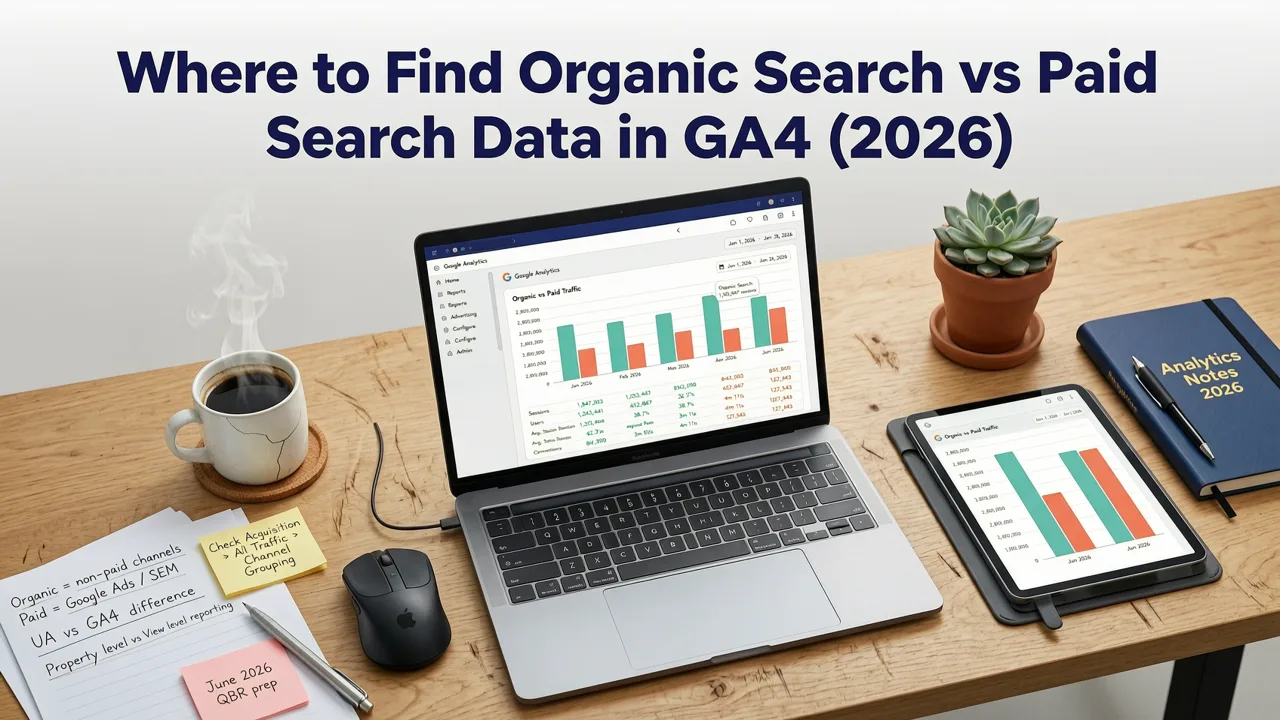
The most reliable place to compare organic vs paid search performance is the Traffic Acquisition report — accessible via Reports > Acquisition > Traffic Acquisition in your GA4 property.
By default, GA4 groups sessions by session_default_channel_group, which includes:
- Organic Search
- Paid Search
- Direct, Email, Social, Referral, Display, and others
You’ll see metrics like Users, Engaged Sessions, Average Engagement Time, Conversions, and Revenue — all broken out per channel.
For deeper analysis, use the Explorer tab and build a custom exploration with:
- Dimension:
Session source / medium(to seegoogle / organicvsgoogle / cpcside-by-side) - Metric:
Conversions,Revenue,Engagement Rate,Bounce Rate (approximated via engagement rate) - Filters: Exclude internal traffic, apply date range (e.g., last 90 days), and segment by device or geography if needed
Pro tip: If your team relies on historical UA benchmarks, don’t try to map GA4’s Paid Search directly to UA’s Google / CPC. In 2026, GA4’s Paid Search channel excludes YouTube ads, Gmail ads, and some Discovery campaigns — unlike UA’s broader definition. Always validate using session_source + session_medium breakdowns instead of relying solely on channel groupings.
Why Organic Search vs Paid Search Reporting Differs in GA4 (Compared to UA)
Three major architectural shifts explain why GA4 reporting for organic vs paid search feels different — and sometimes less intuitive — than Universal Analytics:
1. Event-Based Modeling Replaces Session-Based Logic
UA used session-level attribution: one session = one channel. GA4 models user journeys across devices and time using event-level attribution. That means:
- A user who clicks a Google Ad (recorded as
google / cpc) on mobile, then converts on desktop via organic search may have the conversion attributed togoogle / cpc— depending on your attribution model settings. - GA4’s default Last Non-Direct Click model gives full credit to the final non-direct interaction — so if organic search is the last touch before conversion, it gets full credit — even if paid search drove awareness earlier.
This makes side-by-side comparison of channel performance more nuanced. You can’t just sum up “organic conversions” and “paid conversions” and assume they’re additive — especially for upper-funnel or brand-aware audiences.
2. Consent Mode & Modeling Fill Gaps — But Change Visibility
With 87% of global users now covered by GDPR, CCPA, or similar privacy frameworks (per 2026 IAB Europe data), GA4 increasingly applies Google Search Central-aligned modeling to estimate missing data. When consent isn’t granted for analytics cookies:
- Some organic search sessions are modeled rather than observed — particularly for iOS Safari and Chrome Incognito users.
- Paid search sessions with
gclidare less likely to be modeled, becausegclidis server-side and doesn’t require client-side cookies.
Result: In GA4, paid search often appears more stable and complete, while organic search volume may appear slightly suppressed — not due to lower visibility, but because modeling thresholds differ by signal type.
3. No Built-In “Search Console Integration” Within Reports
Unlike UA, GA4 doesn’t natively merge Google Search Console (GSC) data into standard reports. You must:
- Link GSC to GA4 in Admin > Property Settings > Product Links;
- Use Explorations or BigQuery exports to join impressions, CTR, and position data with GA4 organic sessions;
- Build custom dashboards (e.g., Looker Studio) to correlate GSC query volume with GA4 organic conversions.
Without this integration, comparing organic search vs paid search in GA4 leaves a critical gap: you see what users did after clicking, but not what they searched for — making keyword-level optimization harder without external tooling.
GA4 Organic vs Paid Search: A Side-by-Side Comparison (2026)
Here’s how organic and paid search differ across six key dimensions in GA4 — with practical implications for SEO and PPC teams:
| Metric | Organic Search (GA4) | Paid Search (GA4) |
|---|---|---|
| Primary Identification Signal | No gclid, no cpc UTM, referrer = search engine domain |
gclid, msclkid, or utm_medium=cpc + matching utm_source |
| Default Channel Grouping | Organic Search | Paid Search |
| Attribution Model Sensitivity | High — easily displaced by last-click paid interactions | Medium — benefits from default last-non-direct logic |
| GSC Integration Required? | Yes — for query-level insights | No — campaign IDs provide full campaign context |
| Common Misclassification Causes | Auto-tagged ads leaking into organic reports; redirect chains stripping gclid; canonical issues |
Missing gclid due to auto-tagging disabled; UTM conflicts; cross-domain tracking breaks |
How to Audit & Fix Organic vs Paid Search Classification in GA4
Misclassified traffic remains one of the top causes of ROI confusion in 2026. Here’s how to diagnose and correct it:
Step 1: Run a Source/Medium Breakdown
Go to Reports > Acquisition > Traffic Acquisition, then click the pencil icon to edit the report. Add a secondary dimension: Session source / medium. Filter for google and look for anomalies like:
google / organicshowing unusually high bounce rates or low engagement — could indicate ad traffic slipping through;google / cpcwith zero conversions over 30+ days — suggests tracking breakage;google / referralorgoogle / unknown— often caused by redirects or AMP cache issues.
Step 2: Cross-Check With Google Ads
In Google Ads, go to Tools & Settings > Measurement > Conversions. Ensure your GA4 property is linked and “Enable Google Analytics 4 data import” is toggled on. Then compare:
- Clicks (Ads) vs Users (GA4) — ratio should be ~1.0–1.3x (higher indicates duplication or bot traffic)
- Conversions (Ads) vs Conversions (GA4) — expect GA4 to show fewer, because of consent gaps and modeling
If discrepancies exceed 15%, audit your auto-tagging setup and check for duplicate gclid parameters.
Step 3: Validate With Real-Time Reports
Launch a test ad with unique UTM tags (e.g., utm_campaign=test_ga4_paid). Trigger it yourself, then go to Reports > Realtime > Overview. Confirm the session appears under Paid Search — not Organic Search or Direct. If it doesn’t, your GA4 config likely lacks proper gclid handling or has a filter blocking cpc traffic.
When to Prioritize Organic Search vs Paid Search in 2026
Neither channel is universally “better.” Your optimal mix depends on business goals, competitive landscape, and resource capacity. Consider these 2026 realities:
Choose Organic Search When…
- You’re building long-term brand equity and trust (especially B2B or high-consideration purchases);
- Your niche has low CPCs but strong informational intent (e.g., “how to fix leaky faucet”);
- You’ve invested in technical SEO fundamentals (Core Web Vitals, structured data, crawl efficiency);
- You want predictable, compounding returns — organic rankings compound over time; paid spend stops delivering the moment you pause.
Choose Paid Search When…
- You need immediate visibility for time-sensitive offers (e.g., holiday sales, product launches);
- You’re entering a new market and lack domain authority or backlink profile;
- Your conversion funnel is short and high-intent (e.g., “buy iPhone 18 Pro Max”);
- You want full control over messaging, testing, and audience targeting — including remarketing lists for search ads (RLSA).
Strategy: Use paid search to fund and inform organic growth. Run tightly themed ad campaigns around commercial keywords, then analyze which queries drive the highest conversion rates and lowest CPA — then prioritize those for on-page optimization, content expansion, and schema markup. This is how top-performing brands align SEO and PPC teams — not as silos, but as feedback loops.
Tools That Help You Compare Organic vs Paid Search in GA4
While GA4 provides the foundation, third-party tools fill critical gaps — especially for startups and lean marketing teams. Our guide to the best SEO tools for startups covers more options; here are three that help with organic vs paid search analysis:
- Semrush (2026 Startup Plan): Syncs GA4, Google Ads, and GSC data into one dashboard. Highlights keyword cannibalization (e.g., same query triggering both organic and paid impressions) and calculates true blended CAC.
- Looker Studio + GA4 BigQuery Export: Free and flexible. Lets you join GA4 event data with Google Ads API and GSC impressions to calculate assisted conversions and full-funnel contribution.
- Northbeam (2026 Attribution Suite): Uses machine learning to model cross-channel influence — especially valuable for brands running both branded and non-branded paid campaigns alongside organic efforts.
For most SMBs, starting with GA4 + GSC + Looker Studio covers most needs at no extra cost — provided you invest time in clean setup and documentation.
Frequently Asked Questions
Below are common questions marketers ask about organic search vs paid search in GA4 — answered with 2026-specific clarity.
Can GA4 tell me which organic keywords drove traffic?
No — not natively. GA4 does not receive keyword-level data from Google for organic search (due to Google’s encrypted search policy, unchanged in 2026). To see organic keywords, you must link Google Search Console and use Explorations or BigQuery joins. Even then, GSC only shows queries with ≥ 5 impressions — and only for verified properties.
Why does my GA4 paid search traffic look lower than Google Ads clicks?
Three primary reasons in 2026: (1) Consent-mode gaps (especially iOS users), (2) View-through conversions excluded from GA4’s default reports (they’re counted in Ads but not GA4 unless configured), and (3) Redirect chains or tag firing delays causing session loss. Check your Google Ads “Conversions” column set to confirm which conversion actions are imported into GA4.
Does GA4 count branded search as organic or paid?
It depends on how the user arrived. If they clicked a Google Ad for your brand name → google / cpc. If they typed your domain or brand term directly into Google and clicked an organic listing → google / organic. However, GA4 cannot distinguish between “branded organic” and “non-branded organic” without custom dimensions — so use GSC or a tool like Semrush to segment branded vs unbranded query performance.
Conclusion: Align Your Channels, Not Just Your Reports
Understanding organic search vs paid search in GA4 isn’t about choosing one over the other — it’s about recognizing how each contributes uniquely to your customer journey, and how GA4’s 2026 architecture reveals (or obscures) that contribution. Organic search builds credibility, sustains traffic, and compounds value. Paid search delivers speed, control, and precision — especially for competitive or seasonal terms.
The real advantage goes to teams that stop treating GA4 as a reporting dashboard and start using it as a diagnostic engine: validating tracking, surfacing misalignments, and feeding insights back into content strategy, technical SEO, and campaign structuring.


