

What is the difference between organic and referral traffic in GA4?
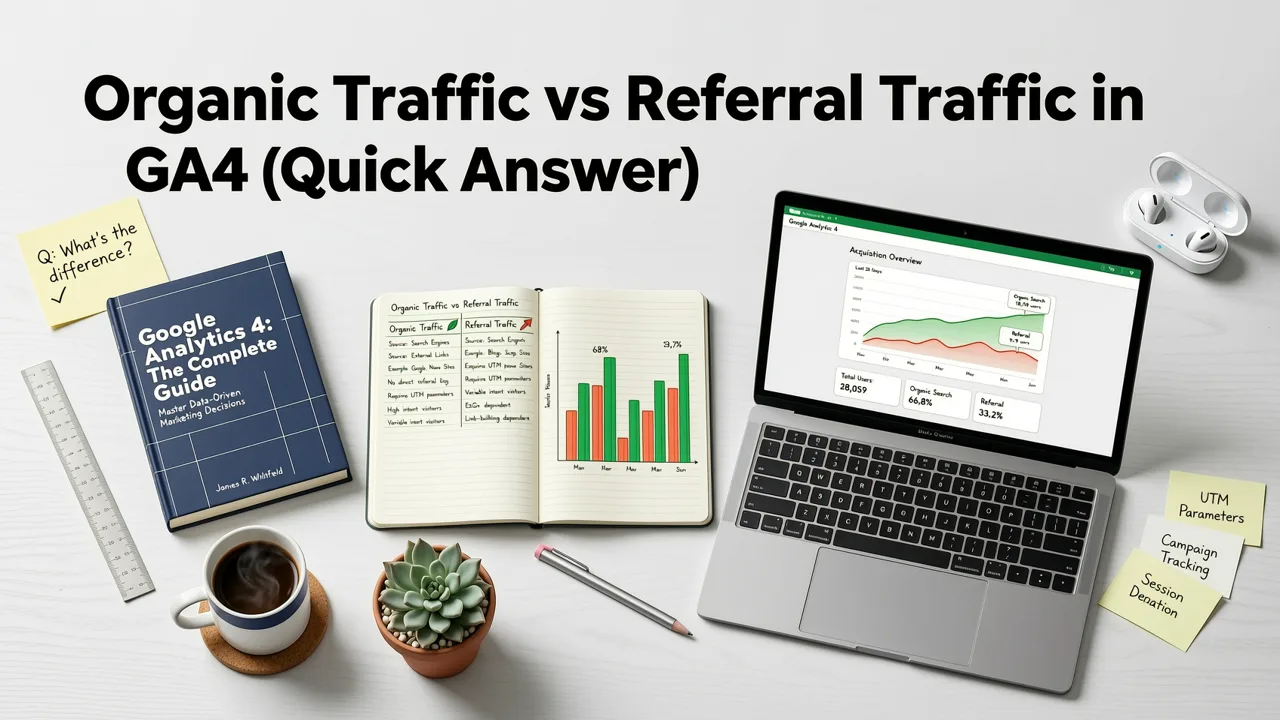
Organic traffic comes from unpaid results on search engines such as Google, Bing and DuckDuckGo. Referral traffic comes from links on other websites that aren't search engines, social networks or ads. GA4 assigns each session to a channel based on its source and medium, and both channels appear in the Traffic acquisition report.
In 2026, understanding the distinction between these two channels is critical. Misclassifying referral traffic as organic (or vice versa) can distort your SEO performance data, mislead content investment decisions, and inflate or deflate your perceived ROI on partnerships, PR, and affiliate campaigns. Below, we break down exactly how GA4 defines each channel, where marketers commonly get tripped up, and how to build a reporting framework that keeps both channels clearly separated.
Why the Distinction Between Organic and Referral Traffic Matters in 2026
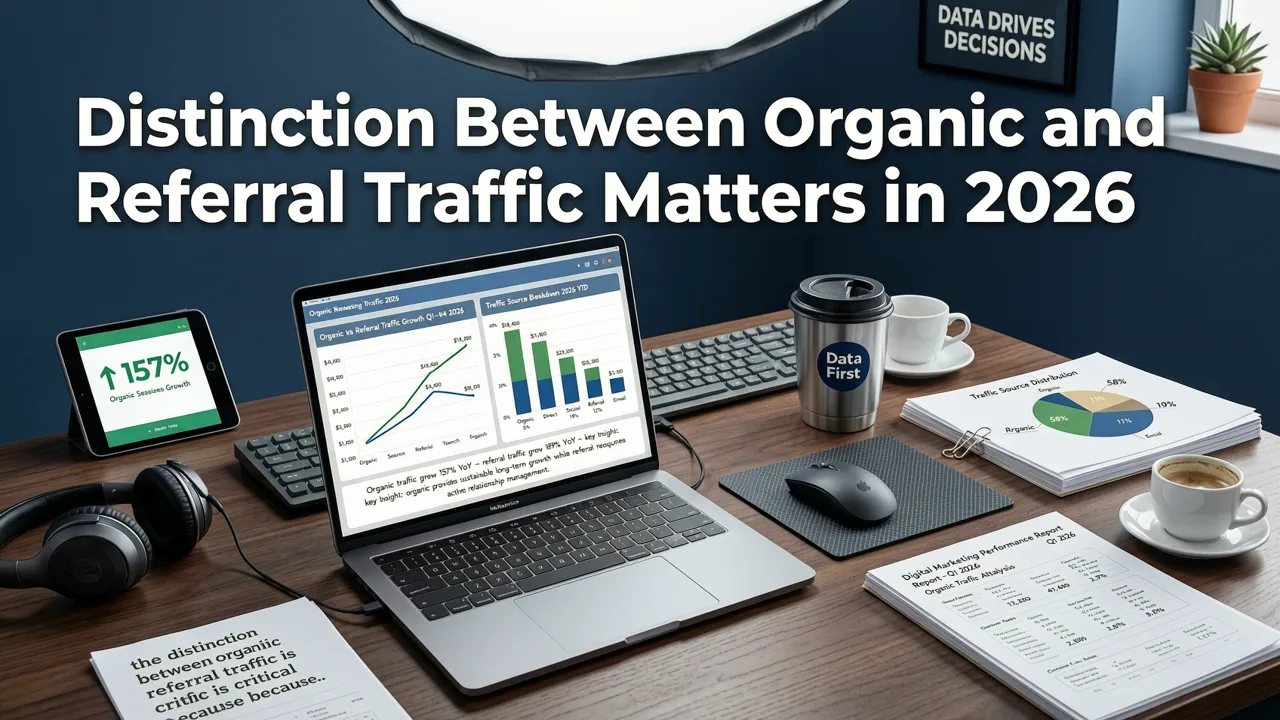
Google Analytics 4 has continued to refine its default channel grouping logic, and in 2026 the platform leans even more heavily on session-level classification driven by the session_default_channel_group dimension. This means that the channel assigned to a session is determined at the start of that session, based on the referrer information passed to GA4 at that moment.
Here's why that matters:
- SEO budget justification: If referral traffic from a high-authority industry blog gets misclassified as organic search, your SEO team may take credit for traffic that was actually earned through a PR or content partnership.
- Partnership ROI measurement: If organic search traffic from a branded SERP feature gets misclassified as referral because of a UTM parameter, your affiliate or partner team may appear more effective than they actually are.
- Content strategy accuracy: Your editorial calendar should be informed by which channel is actually driving discovery. Blurring the two channels leads to misinformed prioritization.
For a deeper look at how GA4 categorizes channels in 2026, Google's own documentation at Google Search Central remains the authoritative reference for how search engine traffic is identified at the crawler and indexer level, which directly influences what GA4 ultimately tags as organic.
How GA4 Defines Organic Search Traffic
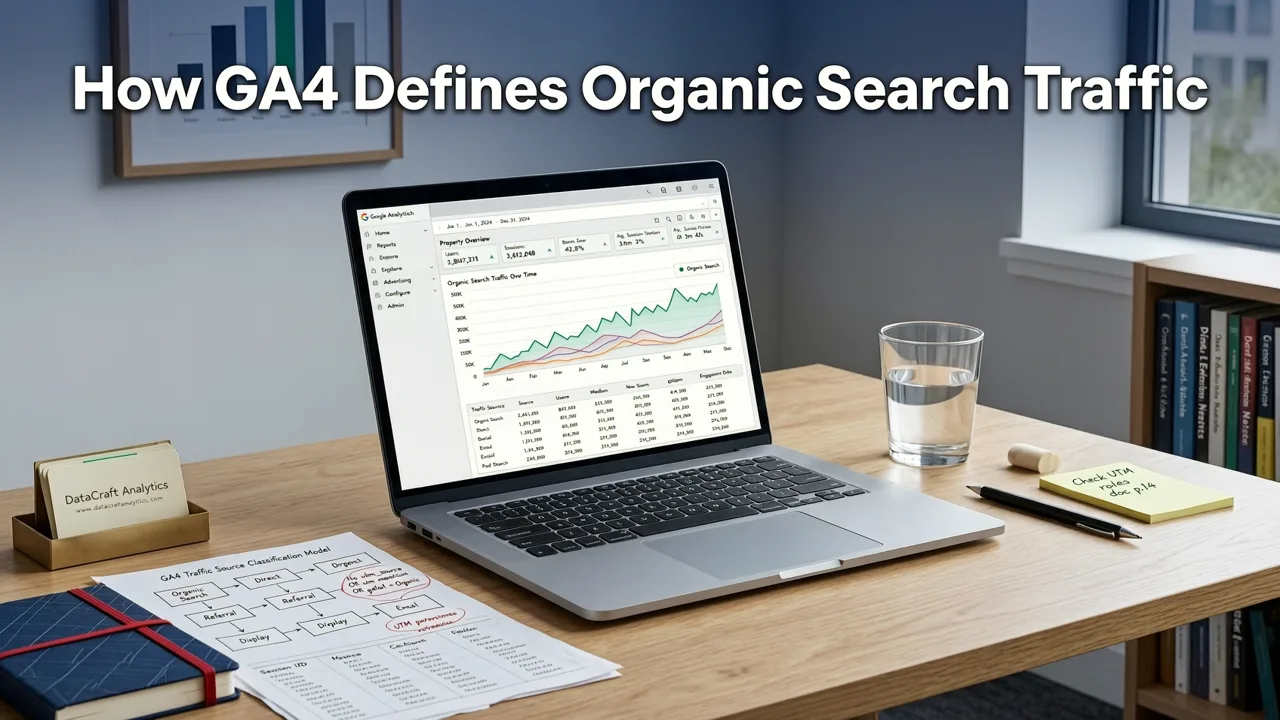
In GA4, organic search traffic is any session where the user arrived at your site by clicking an unpaid result on a recognized search engine. GA4 identifies the search engine based on a maintained list of known search engine domains (google.com, bing.com, duckduckgo.com, yahoo.com, yandex.ru, baidu.com, and many regional variants).
Key characteristics of organic search traffic in GA4:
- The session_default_channel_group is set to "Organic Search."
- The referrer domain matches a known search engine in GA4's internal classification list.
- No UTM parameters override the channel classification (unless you've built a custom channel group that reclassifies based on campaign parameters).
- The traffic is not tagged with a
gclid,msclkid, or any other paid click identifier.
One of the most common issues marketers face in 2026 is organic search traffic not showing up in GA4 at all. This is usually caused by a broken gtag.js implementation, a misconfigured Google Tag Manager container, or a failure to properly link Google Search Console with the GA4 property.
How GA4 Defines Referral Traffic
Referral traffic in GA4 is any session where the user arrived at your site by clicking a link on a website that is not a recognized search engine and is not a known social media platform. This includes blog posts, news articles, partner websites, directories, forums, review sites, and virtually any third-party webpage that links to yours.
Key characteristics of referral traffic in GA4:
- The session_default_channel_group is set to "Referral."
- The referrer domain does not match any search engine or social network in GA4's classification list.
- No UTM parameters are present that would override the channel (e.g.,
utm_medium=referralreinforces it, bututm_medium=emailwould shift it to Email). - The session originated from a direct click on a hyperlink embedded in another website's content.
It's important to note that GA4's referral classification is entirely dependent on the HTTP referrer header. If a user clicks a link from an email client, a PDF document, or a mobile app where the referrer is stripped, GA4 may classify that session as "Direct" instead of referral.
Organic Traffic vs Referral Traffic: Side-by-Side Comparison
To make the differences crystal clear, here's a comparison table that covers the most important dimensions marketers need to evaluate:
| Dimension | Organic Search Traffic | Referral Traffic |
|---|---|---|
| Source | Search engines (Google, Bing, etc.) | Third-party websites, blogs, directories |
| GA4 Channel Group | Organic Search | Referral |
| Classification Basis | Referrer matches a known search engine domain | Referrer does not match search engine or social domains |
| Discovery IntentUser is actively searching for a topic or solution | User is browsing content and clicks a contextual link | |
| Typical Conversion Intent | Higher (informational to transactional) | Variable (depends on context of referring page) |
| SEO Dependency | Directly tied to search rankings and visibility | Tied to relationships, PR, guest posts, partnerships |
| Measurement Focus | Keyword rankings, CTR, impressions (via GSC) | Referring domains, link quality, partnership ROI |
| Common Misclassification Risk | UTM tags overriding to Paid or Custom channels | Missing referrer header causing Direct classification |
How to View Organic and Referral Traffic Separately in GA4
Method 1: Using the Standard Reports
The fastest way to compare organic traffic vs referral traffic in GA4 is through the standard Reports > Acquisition > Traffic acquisition report. In this report, set the primary dimension to Session default channel group. You'll immediately see rows for "Organic Search" and "Referral" side by side, along with metrics like sessions, engaged sessions, conversions, and total users.
Method 2: Using an Exploration Report
For more granular analysis, build a free-form Exploration. Drag Session default channel group into the Rows field, then add Session source and Session medium as secondary dimensions. This lets you drill into exactly which search engines and which referring domains are driving traffic. If you need a step-by-step walkthrough, our guide on how to filter organic traffic in GA4 covers the exact Exploration setup.
Method 3: Building a Custom Channel Group
In 2026, GA4 allows you to create custom channel groups that override the default classification rules. This is particularly useful if you want to break "Referral" into sub-channels like "Partner Referral," "Press Referral," or "Directory Referral." You can set up rules based on Session source or Session source + medium to create these granular segments.
Common Misclassification Issues Between Organic and Referral Traffic
Issue 1: UTM Parameters Overriding Organic Classification
If you tag links from a partner website with UTM parameters (e.g., utm_source=partnerblog&utm_medium=referral), GA4 will respect those parameters and may classify the session based on your custom channel group rules rather than the raw referrer. This is intentional and useful for tracking, but it means that traffic which would have been classified as "Referral" under default rules may now appear under a custom channel you've defined.
Issue 2: Search Engine Traffic Classified as Referral
In some cases, traffic from a search engine may be classified as referral if the user clicks through an intermediary page. For example, if a user clicks a Google search result that redirects through a news aggregator or AMP viewer, the referrer passed to your site may be the aggregator domain rather than google.com. GA4 then classifies the session as referral instead of organic search.
Issue 3: Referral Traffic Classified as Direct
When the HTTP referrer header is stripped (common in privacy-focused browsers, email clients, or when links are shared via messaging apps), GA4 has no referrer information to work with and defaults to classifying the session as "Direct." This can silently erode your referral traffic numbers if you're not monitoring for it.
How to Accurately Track Organic Traffic vs Referral Traffic in GA4
Step 1: Verify Your GA4 Property Configuration
Before you can trust any channel-level data, confirm that your GA4 property is properly connected and that the gtag.js or Google Tag Manager implementation is firing correctly on every page. A broken tag is the single most common reason for missing or misclassified traffic data.
Step 2: Link Google Search Console to GA4
Linking GSC to GA4 gives you access to organic search query data, landing page performance, and impression-level metrics that GA4 alone cannot provide. This is essential for validating that your organic traffic numbers in GA4 align with what Google Search Console reports.
Step 3: Establish a UTM Tagging Governance Framework
Create a documented UTM tagging standard for all outbound links you control (email campaigns, partner co-marketing, affiliate programs). This prevents accidental channel misclassification and ensures that your custom channel groups behave predictably.
Step 4: Build Dedicated Exploration Reports
Set up reusable Exploration reports that compare organic and referral traffic across key metrics: sessions, engagement rate, conversions, and average engagement time. For a full library of recommended Exploration setups, check out our resource on the best GA4 reports for SEO in 2026.
Step 5: Monitor for Classification Drift
GA4's internal classification lists are updated periodically. A search engine that was recognized in January may not be recognized in August if GA4 changes its taxonomy. Audit your channel groupings quarterly to catch any unexpected shifts.
Strategic Implications: What Each Channel Tells You About Your Business
What Organic Search Traffic Reveals
Organic search traffic is a direct reflection of your SEO health. It tells you whether your content is ranking, whether your technical SEO is sound, and whether searchers find your pages relevant enough to click. Rising organic traffic typically indicates growing search visibility, improved rankings, or successful content expansion into new topic clusters.
What Referral Traffic Reveals
Referral traffic is a reflection of your off-site presence and relationships. It tells you which websites find your content valuable enough to link to, which partnerships are generating visibility, and whether your brand is being mentioned in contexts that drive clicks. Rising referral traffic typically indicates successful link building, PR outreach, guest posting, or affiliate program performance.
How to Use Both Channels Together
The most effective digital marketing strategies in 2026 treat organic and referral traffic as complementary, not competing, channels. A strong backlink from a high-authority referral source can improve your organic rankings by passing link equity. Conversely, strong organic rankings can generate unsolicited referral links when other websites discover and cite your content. Tracking both channels together gives you a complete picture of your organic growth flywheel.
Key Takeaways
- Organic search traffic in GA4 comes exclusively from recognized search engines; referral traffic comes from all other third-party websites.
- GA4 classifies channels based on the HTTP referrer header at the start of each session, using the session_default_channel_group dimension.
- Misclassification is common and usually caused by UTM parameters, intermediary redirect pages, or stripped referrer headers.
- Accurate tracking requires a properly configured GA4 property, a linked Google Search Console account, and disciplined UTM governance.
- Organic and referral traffic should be analyzed together to understand the full scope of your organic growth strategy.
Final Thoughts
Understanding the difference between organic traffic vs referral traffic in GA4 is not just a technical analytics exercise. It's a strategic imperative. Every misclassified session is a data point that could lead you to make the wrong investment decision. By setting up your GA4 property correctly, building clear Exploration reports, and maintaining a disciplined tagging framework, you ensure that your team is making decisions based on accurate, actionable data. If you want to go deeper into tracking your organic performance specifically, our guide on how to track organic search traffic in Google Analytics 4 provides a complete 2026 walkthrough.


