

Which GA4 reports are best for SEO?
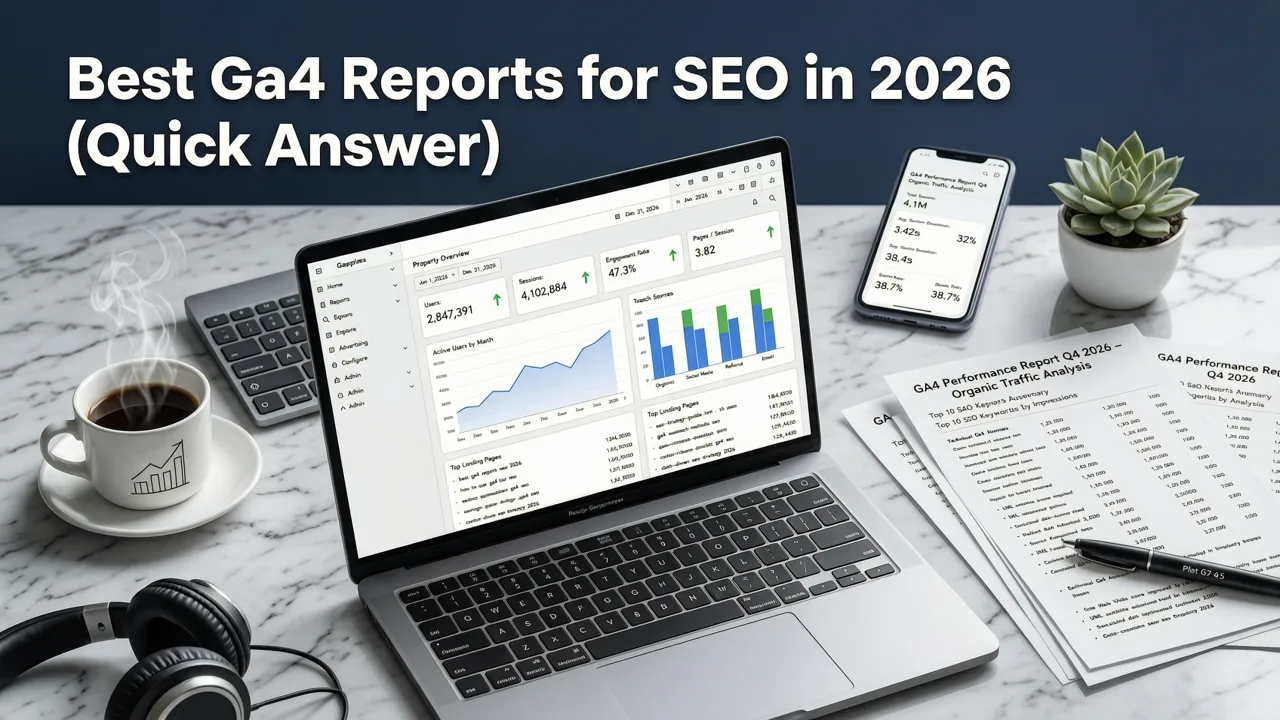
The most useful GA4 reports for SEO are Traffic acquisition filtered to Organic Search, the Landing page report for organic sessions, and the Search Console reports that become available once you link Search Console. For questions those can't answer, build an Exploration or a Looker Studio dashboard that combines GA4 and Search Console data.
This guide breaks down every essential GA4 report an SEO professional needs in 2026, explains how to build or access each one, and compares free versus paid solutions so you can choose the stack that fits your team.
Why the Best GA4 Reports for SEO Matter More in 2026
Google's search ecosystem has shifted dramatically. AI Overviews, zero-click results, and evolving channel classification mean that raw session counts no longer tell the full story. SEO teams now need reports that connect organic discovery to engagement quality, conversion intent, and downstream revenue.
Building the right GA4 reports for SEO in 2026 helps you:
- Isolate true organic search traffic from paid, referral, and AI-assisted sessions.
- Measure which landing pages drive qualified leads, not just vanity traffic.
- Spot technical SEO issues before they compound into ranking losses.
- Align SEO KPIs with business outcomes that stakeholders actually care about.
If you have ever opened GA4 and wondered where your organic data went, our breakdown of Google Analytics organic search not showing: 7 causes and fixes is a useful companion to this report guide.
How GA4 Defines Organic Search Traffic in 2026
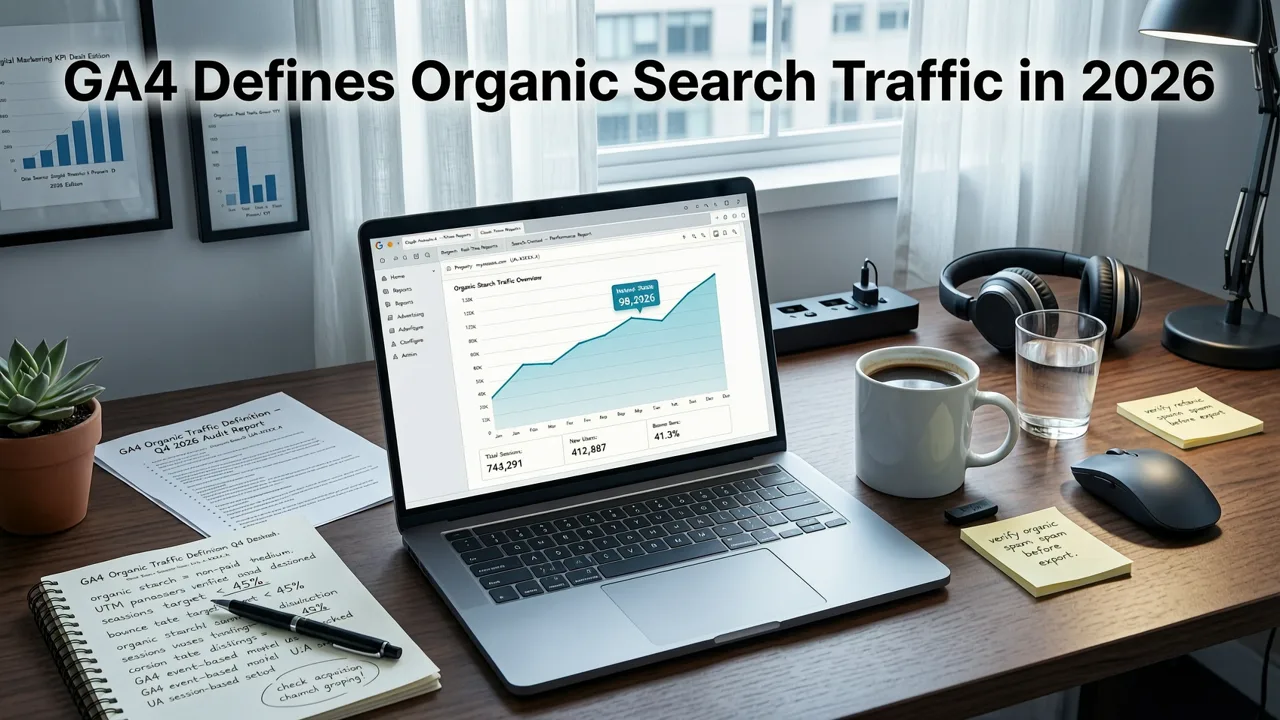
Before building any report, you need a shared definition of what counts as organic. GA4 classifies a session as organic search when the session default channel group equals "Organic Search" and the session medium is "organic." This classification depends on correct UTM hygiene, properly connected Google Search Console, and a functioning gtag or Google Tag Manager implementation.
Three dimensions define a reliable organic report:
- Channel classification: GA4's updated channel rules introduced in 2025 continue into 2026, grouping AI Overview referrals, Discover, and traditional blue links differently.
- Source and medium: google / organic remains the primary pair, but bing / organic, yahoo / organic, and duckduckgo / organic must also be captured.
- Search Console integration: Linking GSC adds query-level data that GA4 alone cannot provide.
For a deeper walkthrough on isolating this traffic, read our guide on how to filter organic traffic in GA4.
The 7 Best GA4 Reports for SEO in 2026
1. Organic Search Traffic Overview Report
This is your starting point. The Organic Search Traffic Overview report surfaces sessions, users, engaged sessions, and conversions attributed to organic search. In 2026, GA4's default library includes a prebuilt version, but most SEO teams customize it to add engagement rate, average engagement time, and event-driven conversions.
Key metrics to include:
- Organic sessions and users
- Engagement rate
- Average engagement time per session
- Organic conversion rate by goal or key event
2. Landing Page Performance Report
SEO lives and dies by landing pages. This report uses the Page path dimension filtered to organic sessions and reveals which URLs attract traffic, hold attention, and convert. Pair it with Google Search Console data to see impressions, clicks, and average position for each page.
Recommended dimensions: Page path, Page title, Landing page plus query string.
Recommended metrics: Sessions, engaged sessions, conversions, average engagement time.
3. Organic Keyword Performance Report
GA4 alone does not show keywords, but once you link Google Search Console, you can build an exploration report that maps queries to landing pages, clicks, and downstream conversions. This is the closest GA4 gets to a keyword ranking report, and in 2026 it remains the only free source of query-level data tied to on-site behavior.
Build steps:
- Open Explorations and create a Free Form report.
- Add the Search Console query, page, and click metrics.
- Layer in GA4 sessions and conversion events.
- Segment by device or country to reveal intent differences.
4. Core Web Vitals and Page Experience Report
Technical SEO still influences rankings, and GA4's integration with PageSpeed and Search Console data lets you monitor loading performance alongside traffic. In 2026, Google continues to treat page experience as a tiebreaker among comparable content, making this report essential for enterprise sites.
Metrics to track: Largest Contentful Paint, Interaction to Next Paint, Cumulative Layout Shift, and organic bounce rate by URL.
5. Organic Conversion Funnel Report
This exploration maps the journey from organic landing page to conversion event. It reveals where organic visitors drop off and which pages accelerate intent. Funnel analysis in 2026 supports open-ended funnels, path comparisons, and device-level segmentation.
Typical steps: Organic landing → product or service page → add to cart or demo request → conversion.
6. Geographic Organic Traffic Report
For businesses serving multiple regions, a geo-segmented organic report highlights which countries, cities, or languages drive growth. This report is especially valuable for ecommerce brands expanding into new markets and for local SEO teams managing multi-location clients.
7. AI Overview and Zero-Click Impact Report
New in 2025 and refined throughout 2026, this custom report tracks traffic attributed to AI-generated search experiences. By filtering the session referral source to AI Overview domains and comparing week-over-week trends, SEO teams can quantify the impact of generative search on their organic visibility.
For reference on how Google classifies AI-generated results, consult the Google Search Central documentation.
Free vs Paid GA4 SEO Reports: Which Should You Use?
The best GA4 reports for SEO in 2026 do not require expensive tools, but paid options save time and add context. Here is a practical comparison to help you decide.
| Feature | Free (Native GA4 + Looker Studio) | Paid (Supermetrics, Porter, AgencyAnalytics) |
|---|---|---|
| Organic traffic tracking | Yes, via exploration reports | Yes, with automated refresh |
| Keyword-level data | Yes, via Search Console link | Yes, plus rank tracking overlays |
| Custom dashboards | Looker Studio (free) | Drag-and-drop, client-ready |
| AI Overview attribution | Manual segment setup | Prebuilt templates |
| Automated client reporting | Limited (scheduled email) | White-label, multi-channel |
| Setup time | 30 to 90 minutes | 10 to 30 minutes |
| Monthly cost | Free | $99 to $499 per month |
For teams that want ready-made templates, our list of the best GA4 organic traffic dashboard templates includes both free and custom options that plug directly into Looker Studio.
How to Build a Custom GA4 SEO Report in 2026
Building a custom report takes about an hour and pays dividends for months. Follow these steps to create an SEO command center inside GA4.
- Link Google Search Console: Navigate to Admin → Product Links → Search Console Links and connect the property.
- Define key events: Confirm that conversions such as form submissions, purchases, or demo requests are marked as key events.
- Create a Free Form exploration: Use the technique, segments, and filters tabs to isolate organic search traffic.
- Add dimensions and metrics: Include page path, query, sessions, engaged sessions, and key event count.
- Apply filters: Set session default channel group to Organic Search.
- Save and share: Export to Looker Studio for stakeholder access or schedule email delivery.
If organic data looks missing during setup, revisit the tracking checklist in our guide on how to track organic search traffic in Google Analytics 4.
Common Mistakes That Break GA4 SEO Reports
Even well-built reports fail when the underlying data is flawed. Watch for these issues in 2026:
- UTM contamination: Tagging internal links with campaign parameters misclassifies organic sessions as paid or referral.
- Broken tag implementation: Missing or duplicated gtag calls cause session inflation or loss.
- Unlinked Search Console: Without GSC, you lose query and impression data essential for SEO analysis.
- Outdated channel definitions: GA4's channel rules update periodically; confirm your property reflects the 2026 classification.
- Ignoring engaged sessions: Raw sessions overstate performance; engagement rate and engagement time provide context.
Advanced GA4 SEO Reporting Tactics for 2026
Layering Schema Data into Reports
Structured data influences how pages appear in search results and can affect click-through rate. By tagging pages with Schema.org markup and tracking CTR changes in Search Console, you can build a report that correlates rich results with organic growth.
Using Cohort Analysis for Content Refreshes
GA4's cohort exploration lets you compare organic performance before and after updating a page. Create a cohort based on the first session date after a content refresh and measure engagement and conversion lift over a 90-day window.
Connecting SEO Reports to Revenue
The most persuasive SEO reports tie organic sessions to revenue. Use GA4's monetization metrics, ecommerce events, or CRM integrations to calculate organic cost per acquisition and return on investment. This approach shifts the conversation from traffic volume to business impact.
Choosing the Right SEO Report Stack for Your Team
The best GA4 reports for SEO in 2026 depend on your team size, reporting cadence, and stakeholder expectations.
- Solo consultants: Native GA4 explorations plus a free Looker Studio template cover most needs.
- In-house marketing teams: Combine GA4 with Search Console and a lightweight paid connector for automated weekly summaries.
- Agencies managing multiple clients: Invest in a white-label reporting platform to unify GA4, Search Console, and rank tracking in one dashboard.
Regardless of stack, the goal remains the same: produce reports that answer business questions, not just SEO questions. Stakeholders want to know whether organic growth is driving revenue, not whether sessions increased by 3 percent.
Final Thoughts on the Best GA4 Reports for SEO in 2026
GA4 has matured into a powerful SEO analytics platform, but only if you build the right reports. The best GA4 reports for SEO in 2026 combine native exploration tools, Google Search Console integration, and, when needed, paid connectors that save time and add clarity. Start with the seven core reports outlined above, layer in advanced tactics like cohort analysis and schema tracking, and align every metric with a business outcome.
If you want a faster path to insight, explore our GA4 organic traffic dashboard templates or partner with an SEO team that can configure, monitor, and optimize your reporting stack end to end. The brands that win in 2026 are the ones that turn data into decisions, not just dashboards.


