

Why the Best GA4 Organic Traffic Dashboard Matters in 2026
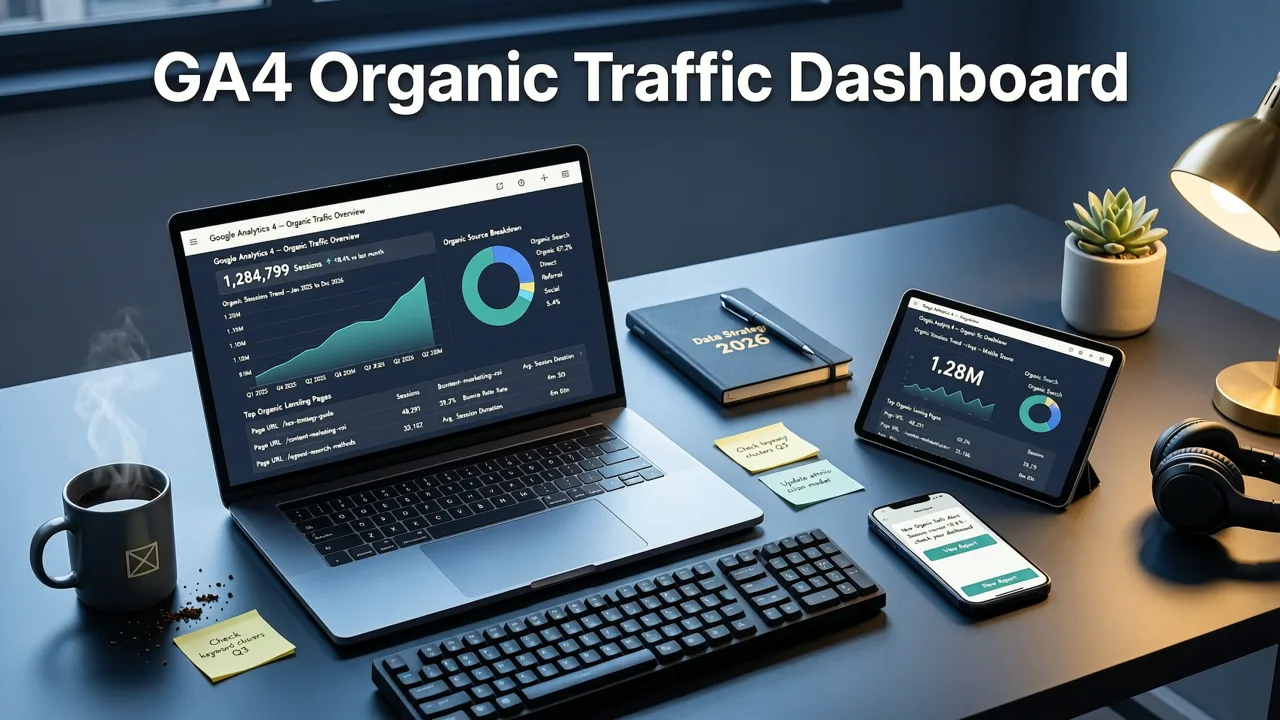
If you're hunting for the best GA4 organic traffic dashboard in 2026, you've probably hit the same wall most SEO professionals face: GA4's native reports are useful but rarely tell the full story about organic performance. The right dashboard connects sessions, conversions, and keyword intent into a single view that actually informs decisions.
The short answer: the best GA4 organic traffic dashboard in 2026 combines Looker Studio templates with GA4 Explorations and Google Search Console data to surface organic sessions, engaged sessions, conversion paths, and landing-page performance in one place. Below, you'll find free templates, a custom-build blueprint, and the exact metrics that separate a vanity report from a dashboard that drives SEO strategy.
What Makes a GA4 Organic Traffic Dashboard Worth Using
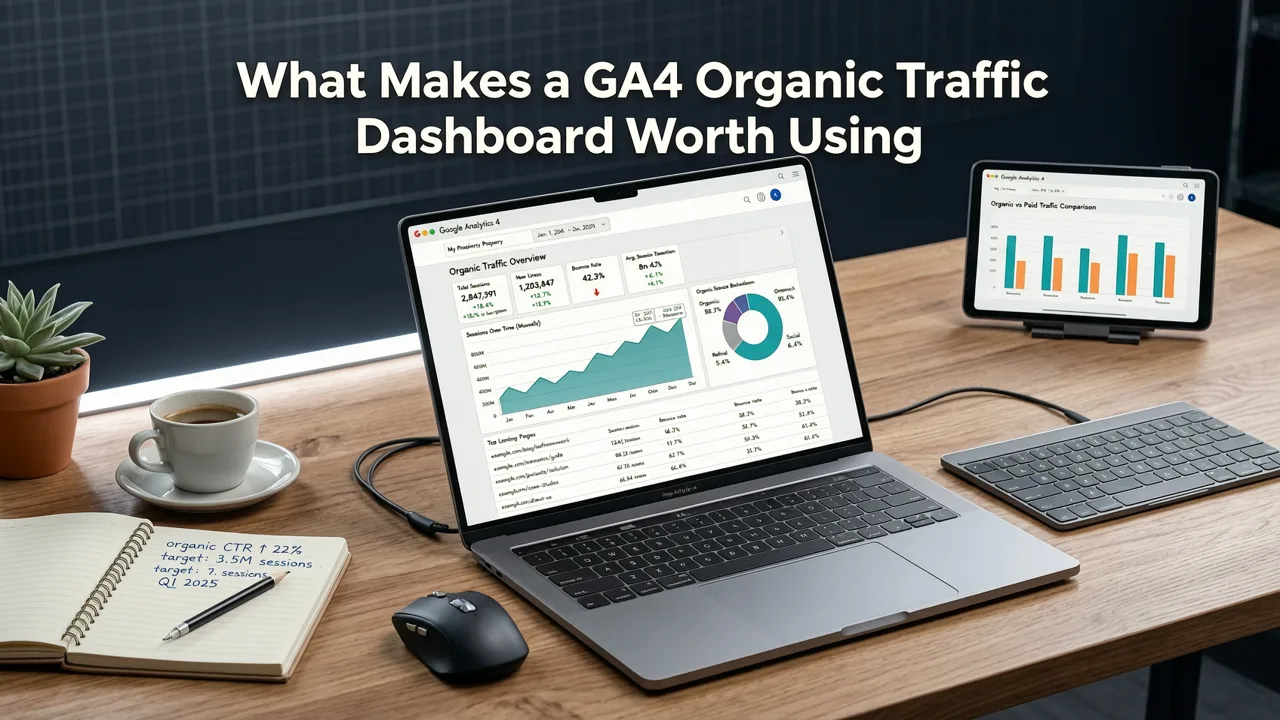
Not all dashboards are created equal. A high-performing organic traffic dashboard in GA4 needs to answer four questions within seconds of opening:
- How much organic traffic did we get, and is it trending up or down?
- Which pages and keywords are driving that traffic?
- Are organic visitors engaging and converting?
- Where are the biggest opportunities and leaks?
If your current dashboard can't answer those questions in under ten seconds, it's time for an upgrade. Let's break down the options available in 2026.
Free GA4 Organic Traffic Dashboard Templates
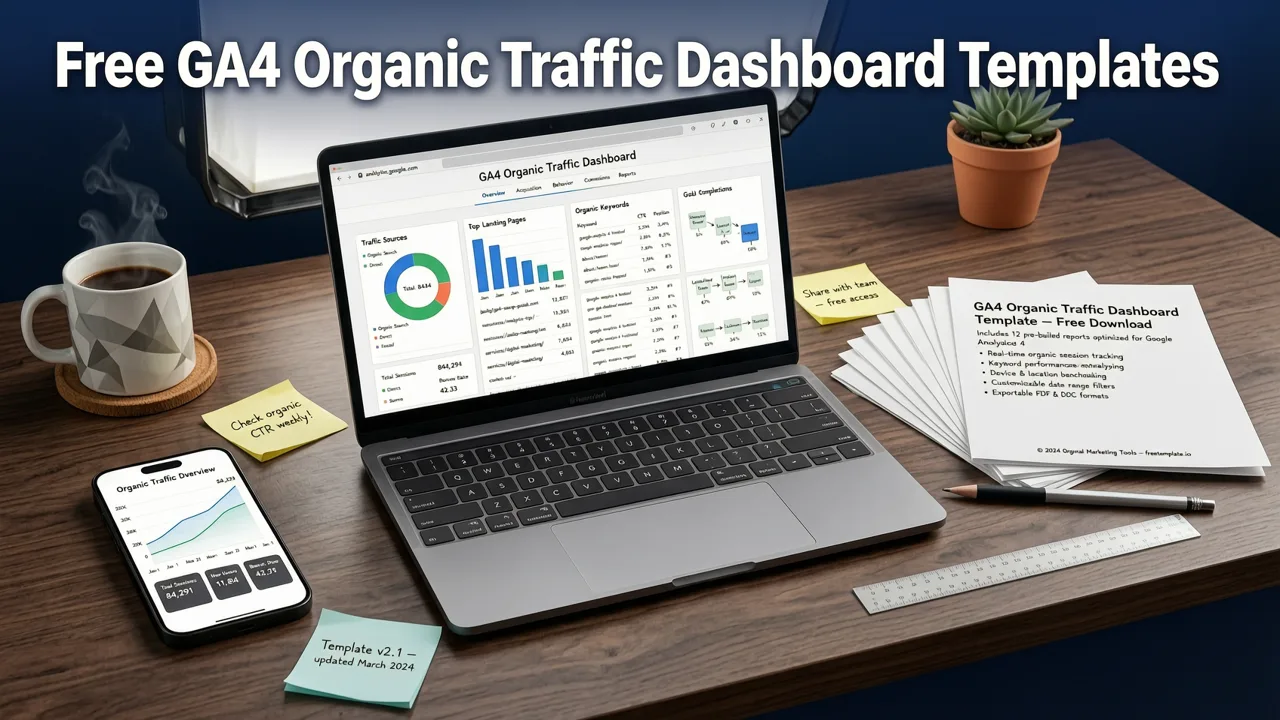
Several free templates have emerged as reliable starting points for teams that need a functional dashboard without a custom build. Here are the top options ranked by usability and depth.
1. Google's Native GA4 Looker Studio Template
Google provides a free Looker Studio template that connects directly to your GA4 property. It includes the Acquisition overview, traffic source breakdown, and basic engagement metrics. It's a solid starting point but lacks keyword-level detail and conversion-funnel visualization.
2. Porter Metrics Free GA4 SEO Dashboard
Porter Metrics offers a free tier that includes a pre-built GA4 SEO template. It pulls in organic sessions, top landing pages, and conversion events. The free version limits scheduled email delivery but gives you full editing access.
3. Supermetrics GA4 + GSC Combined Template
Supermetrics provides a template that merges GA4 traffic data with Google Search Console impressions and clicks. This combination is critical for understanding not just how much organic traffic you're getting, but which queries are fueling it. The template requires a Supermetrics trial for full access.
4. Agency Analytics Free Starter Dashboard
Agency Analytics offers a free starter template that focuses on client-ready reporting. It highlights organic sessions, bounce rate, average engagement time, and top-converting pages. It's ideal for agencies managing multiple properties.
Template Comparison: Free GA4 Organic Traffic Dashboards
| Template | GSC Integration | Conversion Tracking | Keyword Data | Best For |
|---|---|---|---|---|
| Google Native Looker Studio | No | Basic | No | Quick setup |
| Porter Metrics SEO | No | Yes | No | Small teams |
| Supermetrics GA4 + GSC | Yes | Yes | Yes | SEO analysts |
| Agency Analytics Starter | No | Yes | No | Agencies |
How to Build a Custom GA4 Organic Traffic Dashboard
If free templates don't cover your needs, building a custom dashboard in Looker Studio connected to GA4 gives you full control. Here's the workflow we recommend for 2026.
Step 1: Connect GA4 and Google Search Console
Start by linking your GA4 property to Google Search Console if you haven't already. This adds query data to GA4's Search Console reports, and Looker Studio can then show impressions, clicks and average position next to your session data. For a detailed walkthrough, read our guide on how to track organic keyword performance in GA4.
Step 2: Define Your Core Metrics
A custom dashboard should track these core metrics at minimum:
- Organic sessions — total volume filtered by session medium = organic
- Engaged sessions — sessions lasting 10+ seconds, with a conversion, or with 2+ pageviews
- Organic conversions — key events attributed to the organic channel
- Top landing pages — pages receiving the most organic entries
- Average engagement time — signals content quality and relevance
- Organic conversion rate — conversions divided by organic sessions
Step 3: Add a Google Search Console Data Blend
Create a blended data source in Looker Studio that merges GA4 session data with GSC query data on the page URL. This lets you see which queries drive traffic to specific pages and how those pages perform in terms of engagement and conversion. Understanding the difference between organic and paid performance is also essential — our breakdown of organic search vs paid search in GA4 covers the key distinctions.
Step 4: Design Pages for Different Audiences
Build at least three pages inside your Looker Studio report:
- Executive Summary — high-level trends, month-over-month comparisons, and conversion totals
- SEO Performance — keyword rankings, impressions, CTR, and top landing pages
- Content Audit — pages with declining traffic, low engagement, or zero conversions
Step 5: Set Up Automated Alerts
Use Looker Studio's scheduled email feature or a third-party tool to send weekly snapshots to stakeholders. Flag any week where organic sessions drop more than 15% compared to the prior four-week average.
Best GA4 Organic Traffic Dashboard Metrics to Prioritize
Metrics make or break a dashboard. Here's a prioritized list based on what actually moves SEO strategy forward in 2026.
Tier 1: Must-Have Metrics
- Organic sessions (weekly and monthly trend)
- Organic conversions and conversion rate
- Top 10 landing pages by organic sessions
- Engaged session rate for organic traffic
Tier 2: High-Value Additions
- GSC impressions, clicks, and average position by query
- Organic traffic by device category
- Organic traffic by country or region
- New vs returning organic visitors
Tier 3: Advanced Insights
- Organic traffic by content cluster or topic
- Revenue attributed to organic search (for ecommerce)
- Organic funnel visualization from landing page to conversion
- Core Web Vitals correlation with organic page performance
For a deeper dive into navigating GA4's native reports before building your dashboard, our Google Analytics 4 organic traffic report guide walks through the exact navigation paths and customization options available in 2026.
Common Mistakes That Ruin GA4 Organic Dashboards
Even well-intentioned dashboards fail when they fall into these traps:
- Ignoring engaged sessions. Raw session counts inflate perceived performance. Engaged sessions filter out bounces and give a truer picture.
- Not blending GSC data. Without Search Console integration, you can't see impressions or rankings — the leading indicators of future traffic.
- Using outdated filters. GA4's event-based model doesn't work with Universal Analytics filter logic. Make sure your session medium filter is set to exactly matches "organic".
- Overloading with charts. A dashboard with 20+ visualizations becomes noise. Stick to the metrics that drive decisions.
- Skipping date-range comparisons. Always include month-over-month or year-over-year comparisons so trends are visible at a glance.
GA4 Organic Dashboard vs Native Reports: When to Use Each
GA4's built-in reports have improved, but they still can't replace a dedicated dashboard for serious SEO work. Here's when to use each.
| Use Case | GA4 Native Reports | Custom Dashboard |
|---|---|---|
| Quick session check | Yes | Overkill |
| Keyword-to-conversion path | Limited | Yes |
| Client-ready reporting | No | Yes |
| Cross-source data blending | No | Yes |
| Automated alerts | No | Yes |
How to Find Organic Search Traffic in GA4 Quickly
Before building a full dashboard, make sure you know how to locate organic traffic inside GA4's native interface. Navigate to Reports > Acquisition > Traffic acquisition, then set the table dimension to Session medium and filter for organic. This gives you a baseline view of sessions, engaged sessions, events, and conversions attributed to organic search.
For the complete step-by-step process including how to customize this view, check our resource on how to find organic search traffic in Google Analytics.
Advanced Tactics for 2026 GA4 Dashboards
Once your foundation is solid, layer in these advanced techniques to get more from your data.
Segment by Search Intent
Group your landing pages by intent category — informational, commercial, transactional, and navigational. Then compare conversion rates across segments. This reveals whether your content strategy is aligned with revenue goals.
Correlate Core Web Vitals with Traffic
Pull Core Web Vitals data from Google Search Central's Search Central documentation and overlay it with your organic traffic trends. Pages with poor Largest Contentful Paint scores often show traffic declines within four to six weeks.
Track AI Overview Impact
Google's AI Overviews continue to reshape click-through patterns in 2026. Monitor impressions and CTR shifts in GSC for queries that trigger AI Overviews. If CTR drops while impressions hold steady, the AI Overview is likely absorbing clicks that previously went to organic results.
Use Schema Markup to Enrich Results
Implement Schema.org structured data on key pages to improve rich-result eligibility. Track rich-result pages separately in your dashboard to measure the traffic lift from structured data.
Choosing the Right Dashboard for Your Team
The best GA4 organic traffic dashboard depends on your team's size, technical capability, and reporting needs. Here's a quick decision framework:
- Solo SEO or small team: Start with a free Looker Studio template. Add GSC data when you're ready for keyword-level insights.
- Mid-size marketing team: Build a custom Looker Studio dashboard with blended GA4 and GSC data. Automate weekly email delivery to stakeholders.
- Enterprise or agency: Invest in a managed reporting platform that supports multi-property dashboards, role-based access, and automated anomaly detection.
Final Thoughts on the Best GA4 Organic Traffic Dashboard
The best GA4 organic traffic dashboard in 2026 isn't a single template — it's a system that connects sessions, keywords, engagement, and conversions into a clear narrative about your organic performance. Whether you start with a free Looker Studio template or build a custom solution from scratch, the key is to focus on metrics that drive action and to layer in Google Search Console data for the full picture.


